Research
Socrava finds the real syllabus, exam blueprint or standard for your subject.
And it cites its sources, so you can check what your roadmap is built on.

Tell Socrava what you want to master. It researches the real syllabus, finds your baseline, and teaches you one concept at a time, then makes sure you still know it next month.
The desktop app is free and runs on your own Claude plan. The Socrava web app, with built-in AI and sync, is coming soon.
Socrava makes you produce. You cannot nod along through a turn, because every turn ends with a question you have to answer.
One concept per turn, and every turn ends with a question that checks you understood. Wrong answers get fixed at the root, not papered over.
Socrava researches the official exam guide or curriculum for your subject and builds a weighted roadmap from it, not a generic course outline.
Earlier material comes back on a spaced-repetition schedule, so you keep what you learned instead of just reading it once.
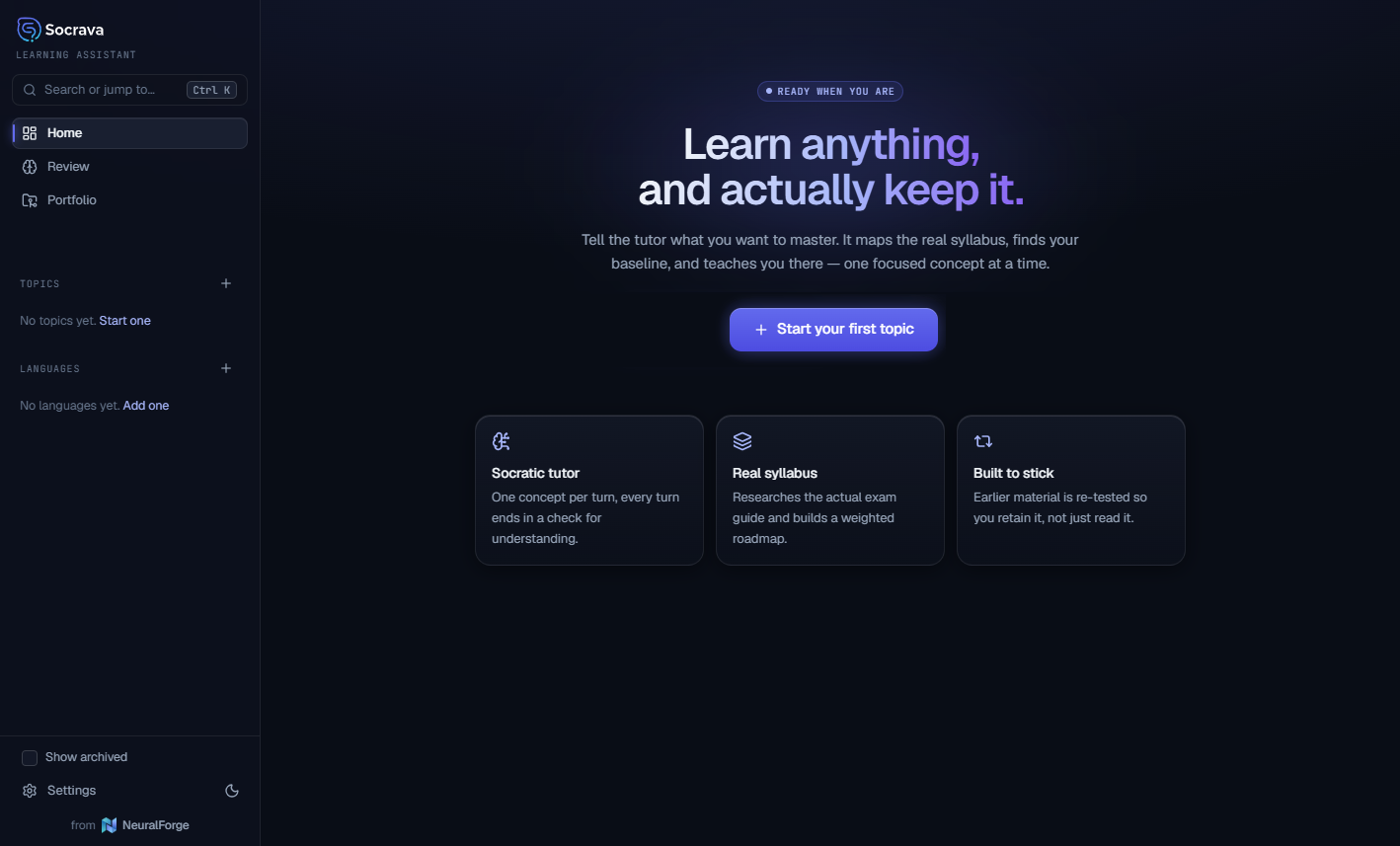
Socrava on first run, before you have added a topic.
Socrava does not start explaining until it knows what the syllabus actually covers and what you already know. Everything after that is built on those two answers.
Socrava finds the real syllabus, exam blueprint or standard for your subject.
And it cites its sources, so you can check what your roadmap is built on.
Everything in Learning comes with the free desktop app. The web app adds languages, guided projects, the course library and certificates you can show an employer.
Everything you need to learn a subject properly, in the free desktop app and the web app.
Structured courses for the level you're tested on.
Prove you can do it, not just that you read about it.
Ready-made courses, and proof you finished them.
A pathway is a step-by-step plan toward a goal: a new role, a certification, a qualification or a skill.
Tell Socrava your goal, how much time you have and what you already know. It researches what the goal really takes (skills, recognised certifications, the right order, realistic timings) and builds your pathway, with sources you can check.
Add your skills and experience by hand, upload your CV to pre-fill them, or both. Steps you've already covered are flagged so you can skip them or prove them with a quick test.
Designed by the Socrava team.
Courses, guided topics, tests and milestones on one clear map, with time estimates against your target date. Finish the pathway and earn a verifiable certificate.
Build courses from your own material, assign them with due dates, and see who has finished, without reading anyone's conversations.
Single sign-on for your identity provider is coming after launch.
Upload your policies, manuals and guides, and Socrava builds courses from those sources alone. Answers cite your documents, and the professor is built to say when your material doesn't cover something rather than guess.
Every generated course stays a draft until an admin reviews it. Edit a source document, and the courses built on it are flagged for re-review.
Scan binders, handouts and paper manuals, and Socrava turns them into structured, testable courses.
Clone a Socrava pathway or build your own: onboarding, compliance, role readiness. Add your courses, tests and manager sign-off checkpoints, then assign it to people or teams with due dates.
Admins see roadmap progress, test scores, overdue steps and certificates across the team. Each learner's conversations with the professor stay private, and the system enforces that, not just the screen.
One owner, one invoice, seats you assign and reassign, invites by email or CSV, and an audit trail of admin actions.
Built-in safeguards keep every session on the topic you're learning. The professor can't be talked into doing other jobs, and it steers you back if the conversation drifts.
Not your employer, and not our support team: no one reads them unless you grant time-limited access from your settings.
Test results, project sign-offs, completed steps and certificates are decided by clear rules in the app. The AI never marks itself done.
The desktop app is free, forever. When you want more, subscribe from the app or from here. It isn’t another download: your subscription opens the Socrava web app, with AI built in, sync across devices, Pathways, languages, projects, the course library and certificates.
Free desktop app available now · Web app plans coming soon
Install the desktop app and learn on your own Claude plan, for as long as you like.
Subscribe from inside the desktop app, or right here on this site.
Sign in to the web app from any browser, and bring your desktop learning with you.
When you subscribe, export your learning from the desktop app and import it into the web app: topics, roadmaps, flashcards (with their full review history), tests, notes and conversations. Your review schedule carries on exactly where it left off.
Worth knowing before you install, so nothing catches you out on first run.
The free app is packaged and ready to deploy on both, so install it on whichever machine you study on.
A Claude Pro, Max, Team or Enterprise plan, or an Anthropic API key. The free app doesn't include AI usage, and the tutor won't run without one.
No account, no sync, no telemetry. Your notes, flashcards, progress and results are saved on your computer; tutoring runs through your own Claude plan.
The desktop app is free, and it stays that way. We send you a download link by email. If you’d rather skip the Claude setup, or want your progress on every device, that’s what the web app is for.
Yes. It runs on your own Claude plan, so we never see or charge for your usage.
Leave your email for the free desktop app on Windows or Linux, or to hear the day the web app opens.